

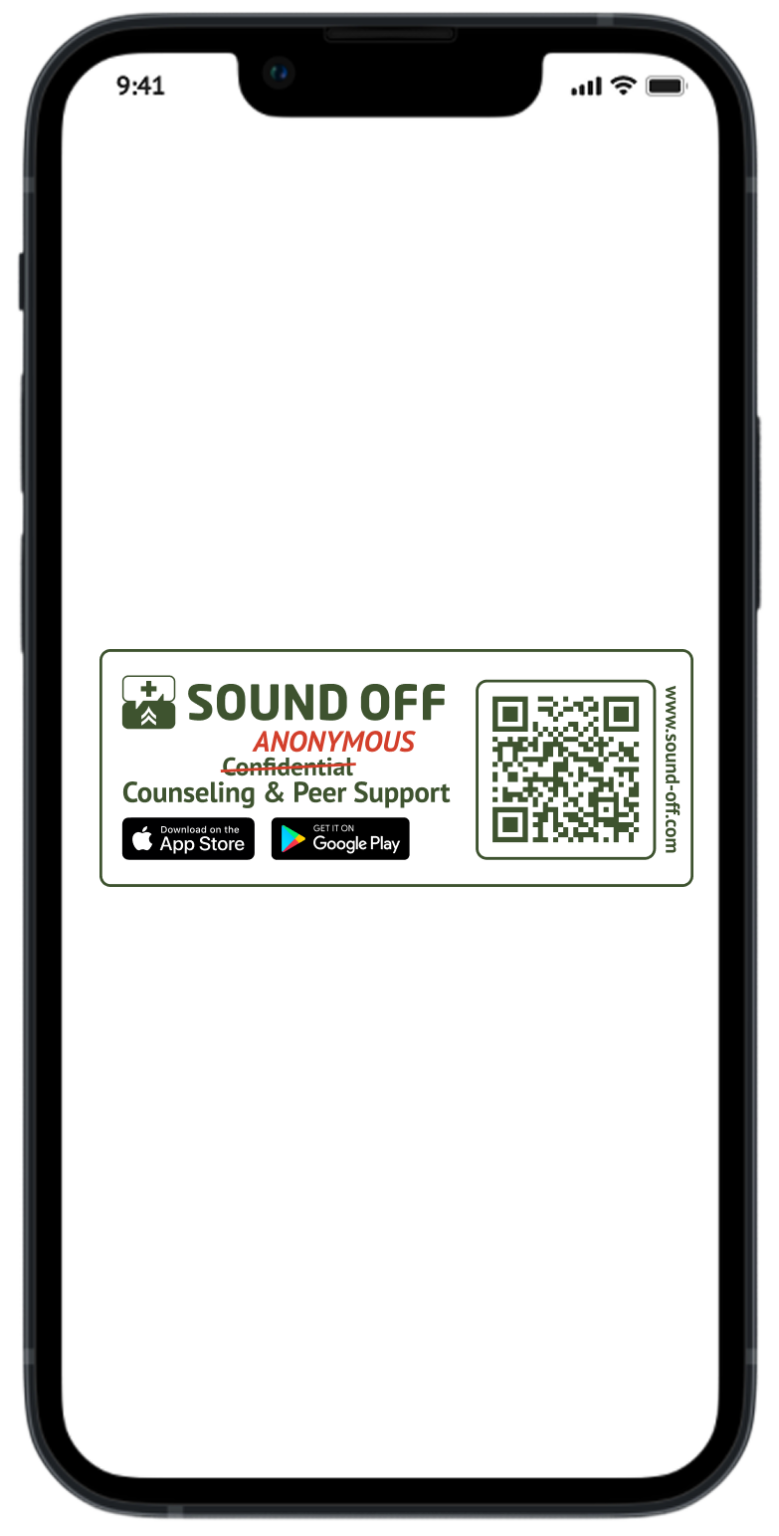
Step 1
Use your camera app to scan the below QR code or go to the app store and download the app.
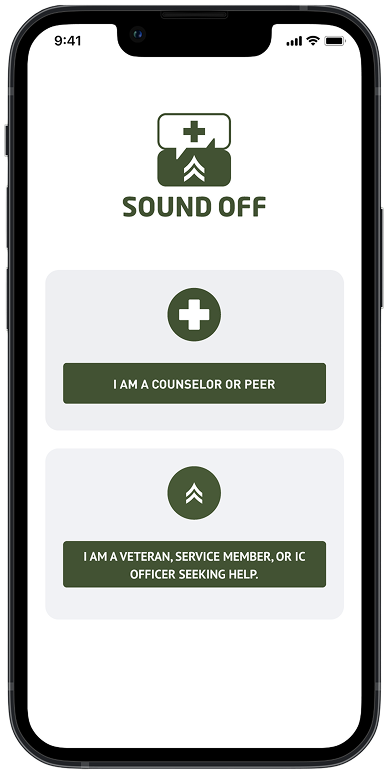
Step 2
Select the “I am a Counselor or Peer”.
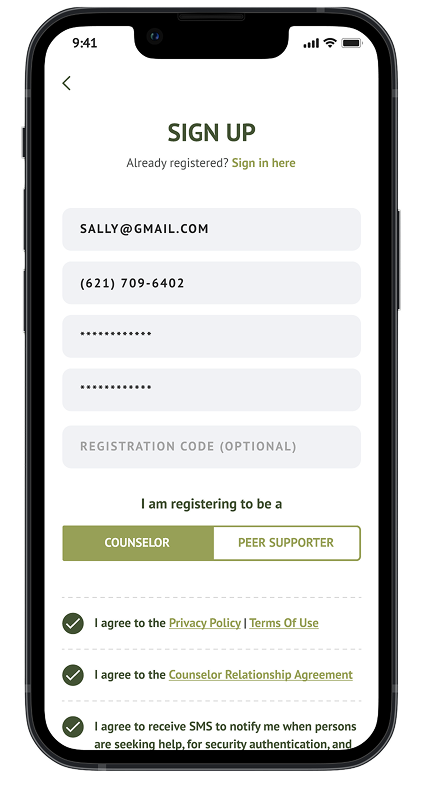
Step 3
Fill in the input fields required and create your password.
Step 4
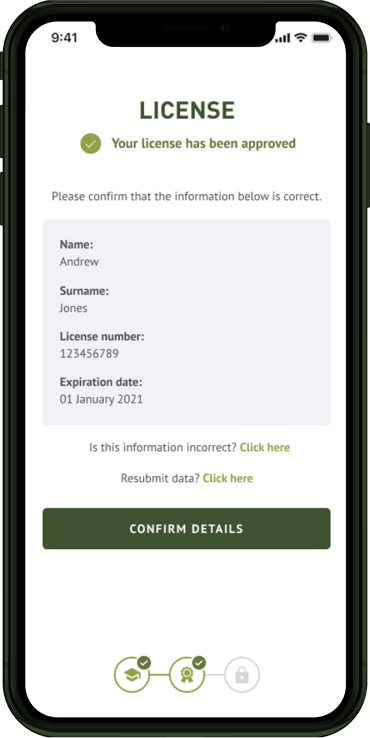
Confirm your details after having your license approved.
Step 5
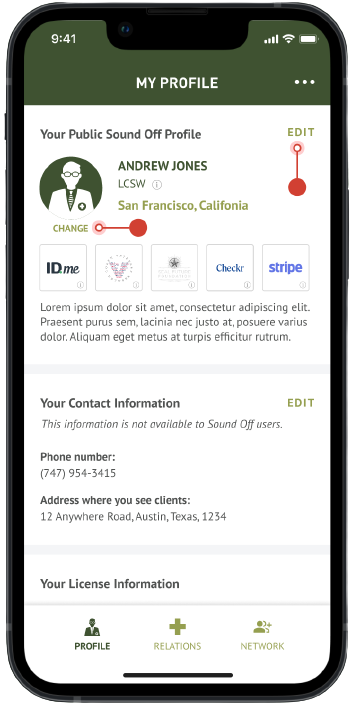
Please ensure your profile is fully filled out with a photo, detailed description and that you have the necessary training.
Step 6
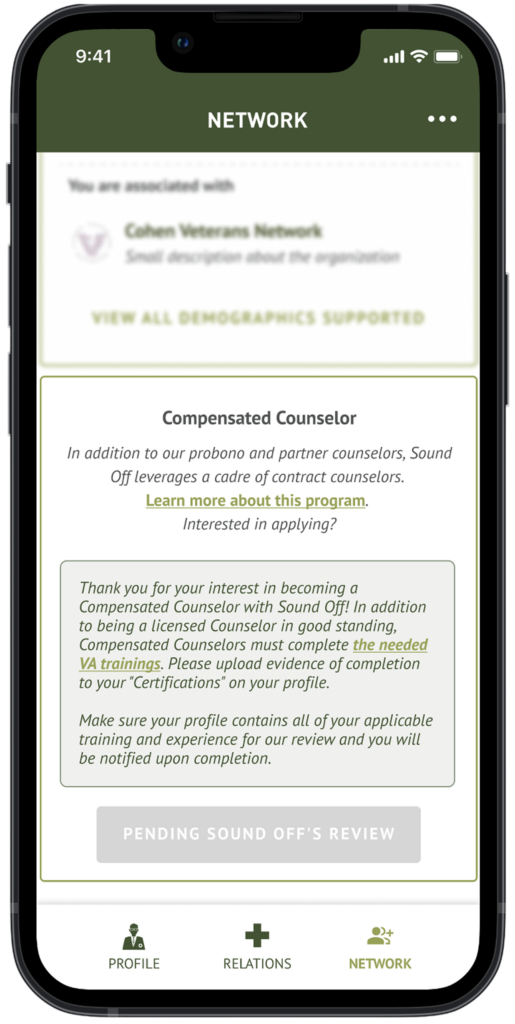
Once you indicate your interest to become a compensated counselor, we will review your profile (which should include your professional skills and any certifications).
Step 7
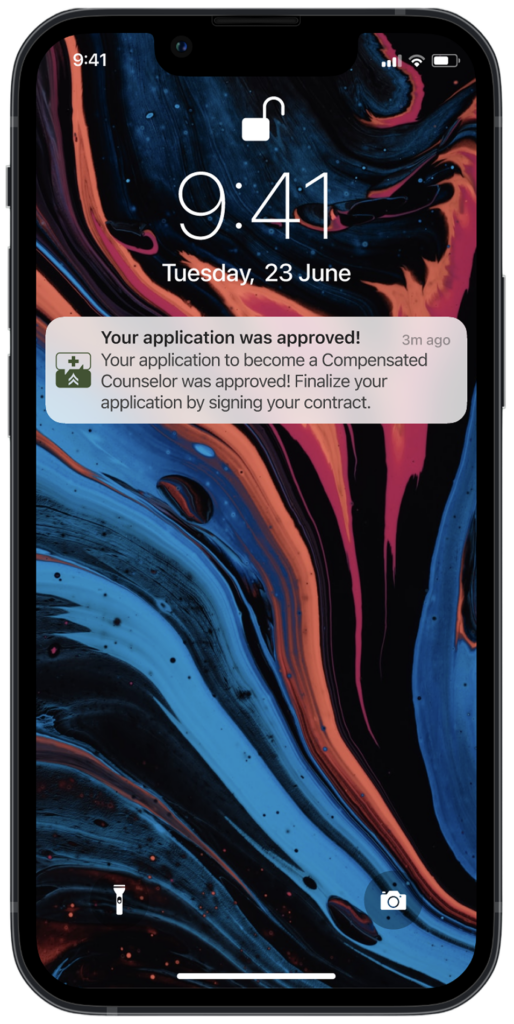
You will be notified of whether or not you are accepted as a compensated counselor. If so, you’ll sign the additional contract addendum and be ready to serve more Users!